 WidPlayer
Your music, on the desktop.
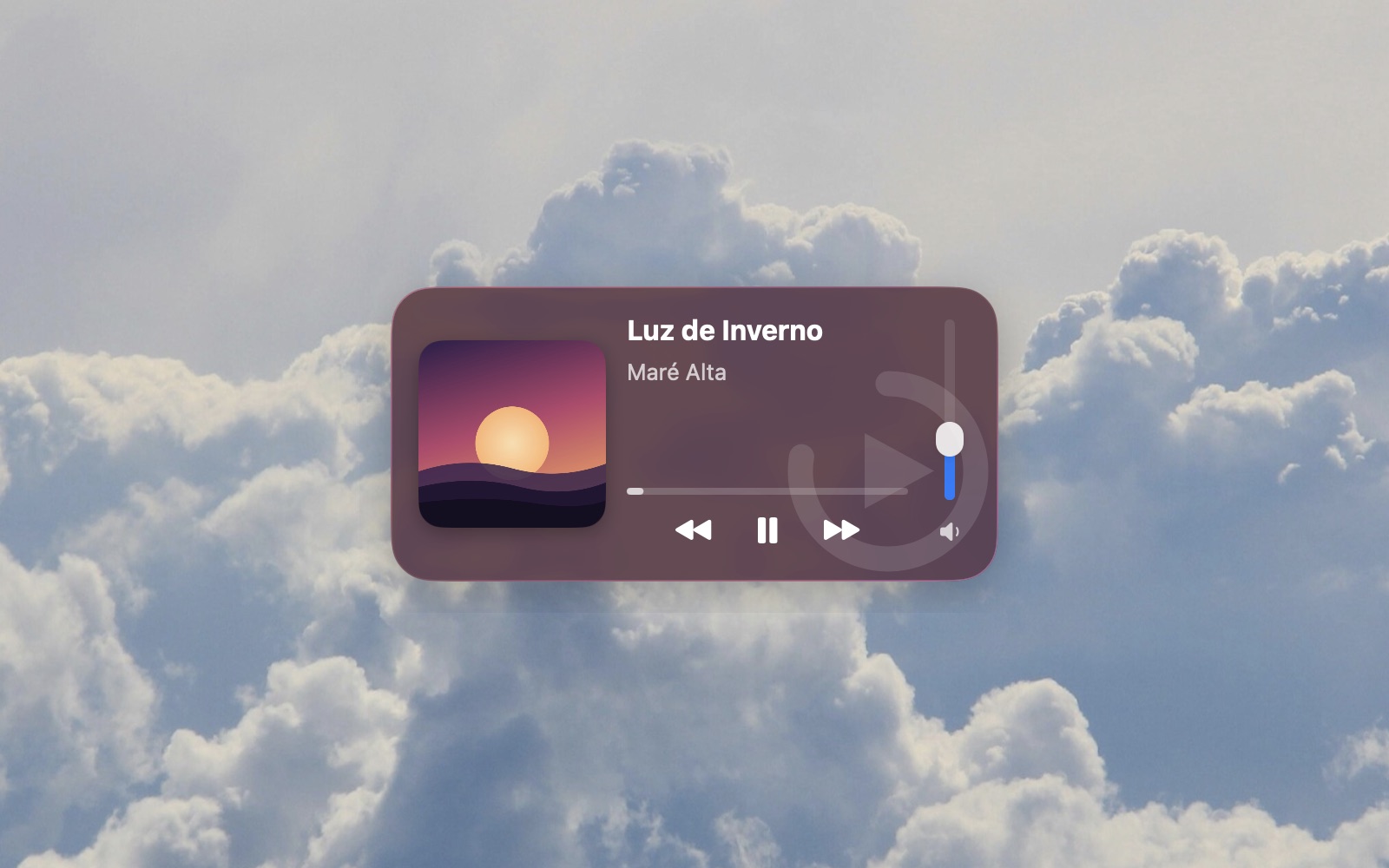
A native widget that controls whatever is playing on your Mac — Apple Music, Spotify, Amazon Music, TIDAL and more. Pause, skip and set the volume without opening the app or switching windows.
macOS 26 or later · Mac with Apple Silicon
Why use it
The controls leave the app and stay within reach.
Always in sight
It lives on the desktop, on every Space, aligned to the macOS widget grid. It never steals focus from the window you're in.
With the app you already use
WidPlayer doesn't play music: it drives your player. Your account, library and sound quality stay right where they are.
Native glass
macOS 26 Liquid Glass, tinted by the color of the artwork that's playing. It looks like part of the system because it's built with it.
In the menu bar, too
Rest the pointer on the icon and the controls appear, no click needed. A keyboard shortcut brings the widget forward when it's covered.
Tells you when the player hangs
If the music app doesn't react to a command, the widget says so — and offers to reopen the app in one click.
Never promises what it can't do
Each app accepts different commands. The widget shows only what works with the player in use and explains what doesn't.
Compatible
With whatever is playing.
Apple Music and Spotify with full control: exact position, seeking and the app's own volume. Amazon Music, TIDAL, Deezer, Safari and Chrome with whatever each one accepts. And any other app that shows up in macOS Now Playing responds to play and pause, at the very least.
- Apple Music
- Spotify
- Amazon Music
- TIDAL
- Deezer
- Safari
- Google Chrome
- YouTube Music
Two sizes
Wide or compact.
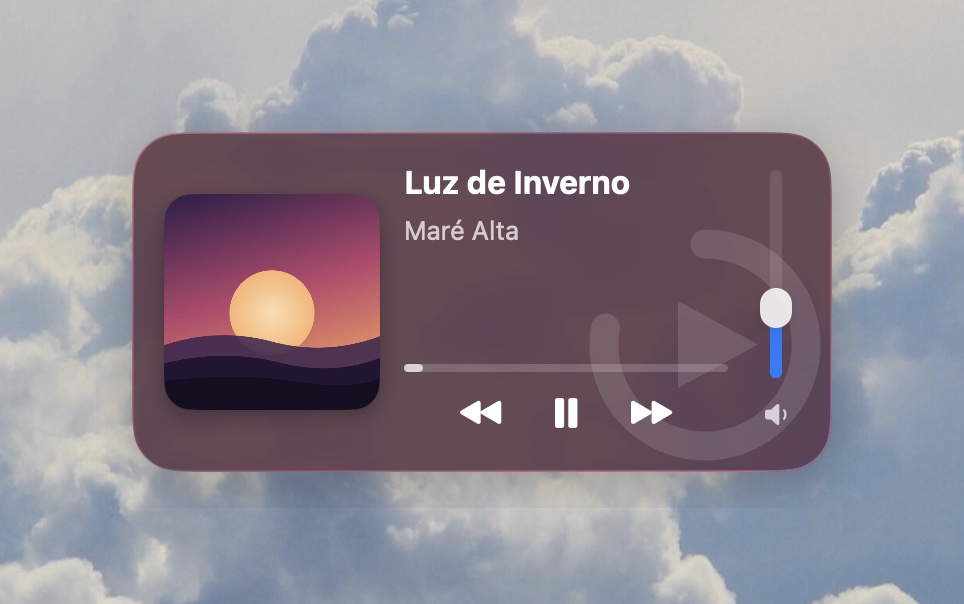
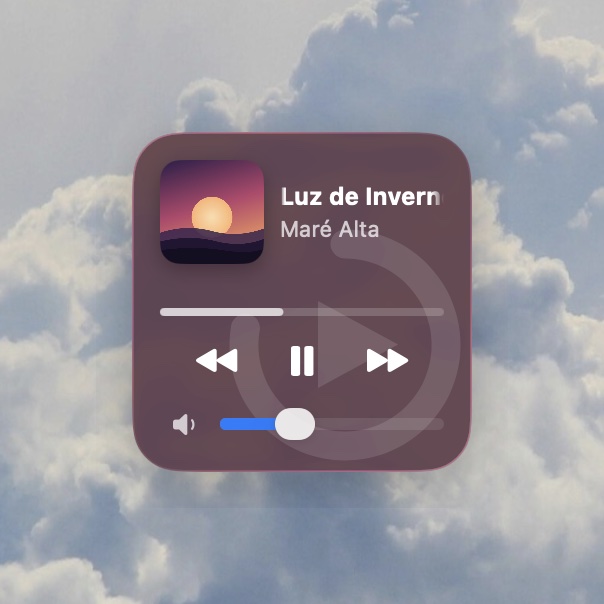
Pick one in Preferences and the widget resizes in place. Both formats have the same controls.
Trust
Made to stay on all day.
Signed and notarized by Apple
macOS checks where the app comes from before opening it. No security exceptions to allow in System Settings.
No account, no telemetry
No sign-in and no usage data sent anywhere. What you listen to never leaves your Mac.
Native, written in Swift
No embedded browser and no Dock icon: a menu bar app built with macOS's own tools.
Questions
Frequently asked.
Does WidPlayer play music?
No. It controls the app that's already playing — Apple Music, Spotify, Amazon Music and others. Without one of them open, there's nothing to control.
Does it work on Intel Macs?
No. WidPlayer requires a Mac with Apple Silicon and macOS 26 or later.
Which permissions does it ask for?
Automation, for the extra features in Apple Music and Spotify — macOS asks the first time. Accessibility is optional and only comes in if you turn on the features that need it. Denying either one doesn't break the widget: it just stops offering what depends on it.
Which languages?
The app is available in English and Portuguese.
How much, and when?
Price and date come with the launch, right here on this page. No date is being promised before that.
Coming soon.
WidPlayer already runs signed and notarized; what's left is opening distribution. When it opens, the download shows up here.